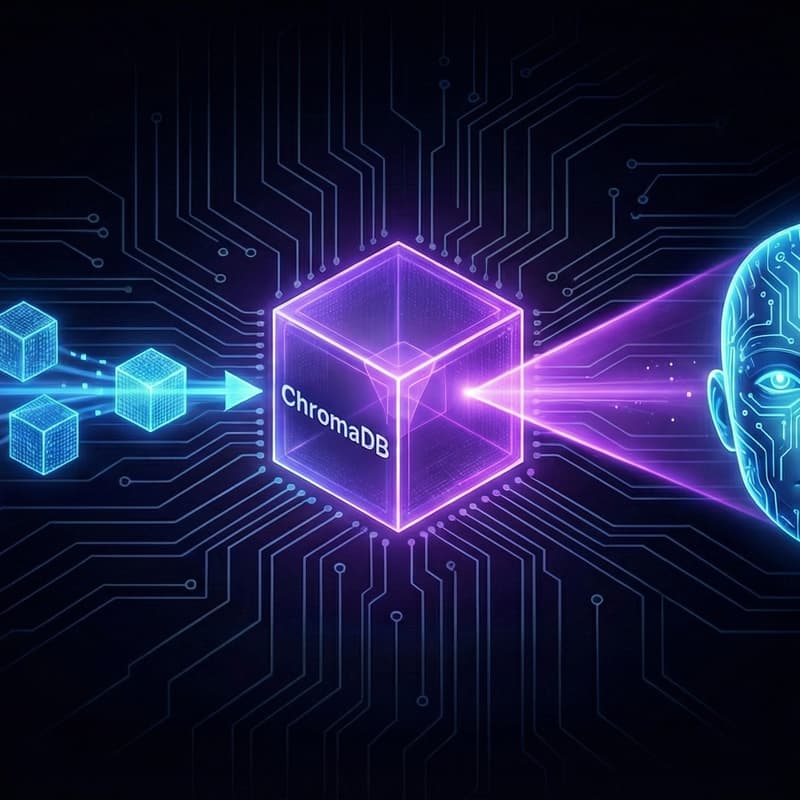

🧠 Building Local RAG Systems: Give Your AI a Private Brain
Stop uploading your company’s internal documents to the cloud just to "chat" with them.
In our previous workshop, we built a secure AI Dev Box to run models locally. Now, we’re giving those models a private memory. This workshop focuses on RAG (Retrieval-Augmented Generation), the industry standard for connecting LLMs to your own data without leaking it to 3rd party providers.
In this workshop, we move beyond managed 'one-size-fits-all' services to build a fully transparent, local data pipeline. You will gain direct visibility into the indexing, embedding, and retrieval layers that are usually hidden behind proprietary APIs.
What we’ll build:
📂 The Ingestion Engine: Using Python to "chunk" and process your local PDFs and Markdown files.
🔢 Local Embeddings: Generating mathematical representations of your data entirely on your CPU/GPU (No OpenAI API keys required).
🗄️ The Vector Database: Deploying ChromaDB in a Docker container to store and search your documents.
🔗 The RAG Loop: Connecting Ollama to your vector store so your AI can cite its sources from your private files.
Who is this for? Engineers, Architects, and Platform specialists who understand that AI is only as good as the data it can access. If you’re concerned about data sovereignty or want to understand the "plumbing" behind AI search, this is for you.
🍕 Food & Drink: Doors open at 5:30 PM for drinks and networking, and pizza will be available just before 6:00 PM. We will kick off with a short intro while everyone eats and gets settled. The hands-on coding session will start at 6:15 PM.
⚠️ Prerequisites (Must Have): To ensure you can follow along, please have the following ready before you arrive:
Laptop with 8GB+ RAM (16GB recommended).
Docker Desktop installed and running.
VS Code installed.
10GB free disk space.
No API keys required.
Not sure what your laptop hardware tier is? Click here to run a 5-second scan.
Looks for "vendor" and if it says apple or nvidia → You are 🟢 Green (Pro).
If it says intel, amd, or google → You are 🟡 Yellow (Standard).
👉 Click here for our Full Setup Guide (Please check this guide if you are on Windows to ensure WSL2 is configured correctly!)