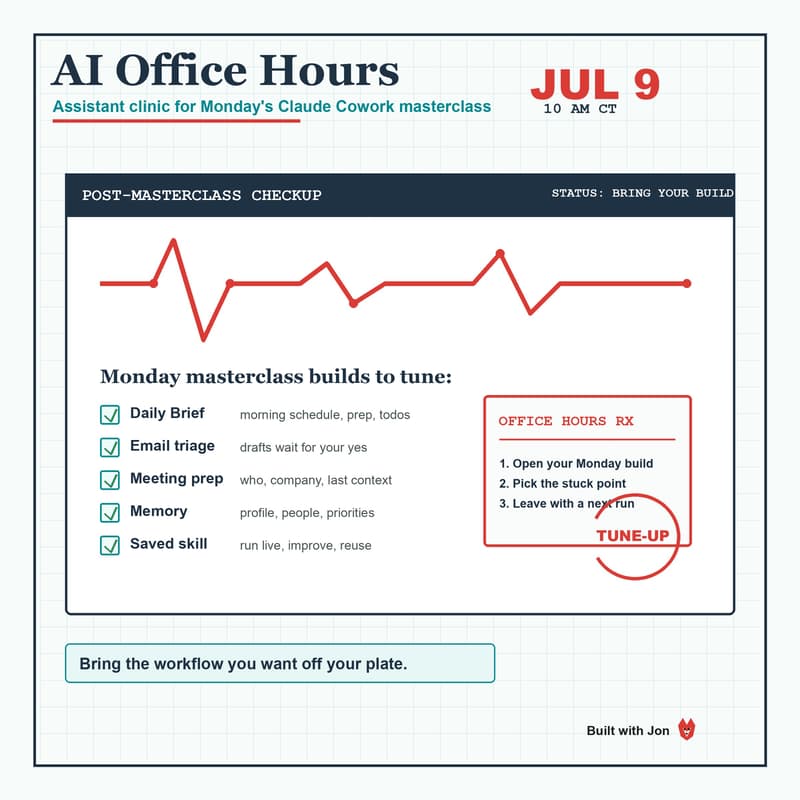
AI Office Hours: Make Your Assistant Actually Stick 🤖🦊
About this session
If you were at Monday's "Build Your Own AI Assistant" workshop, this one is for you. You built the thing. Now comes the part that actually matters: keeping it running once you are back in the real world.
This is a drop-in working session, not a lecture. Bring the thing you got stuck on, share your screen, and we will fix it together. No new slides. No "here is another feature." Just your assistant, your real workflow, and the gap between them closed.
Did not make it to the workshop? You are still welcome. Come with a Claude assistant in any state and we will help you move it forward.
Come if any of these are true
Your morning briefing stopped firing, or never quite fired right
Email triage is drafting in a voice that is not yours
You want to add a second skill but are not sure where to start
Your memory file is a mess and the assistant keeps forgetting what matters
Phone access, calendar sync, or the Luma/Meetup integration is not behaving
It worked in the workshop and broke the moment you got home
What we will actually do
Debug whatever is broken, live, on your screen
Tune your daily routine so it fits your real schedule
Build one more reusable skill from a task you do every week
Tighten the memory so the assistant gets sharper, not noisier
Pressure-test your approval gates so nothing sends without you
Bring
The laptop you set up on Monday (Claude desktop app, same plan)
One real task you wish your assistant handled but it does not yet
Any error, weird behavior, or "wait, why did it do that" moment
Still safety-first: same rule as the workshop. Your assistant drafts and prepares, it never sends or changes anything without your explicit say-so.
Host: Jonathan Malkin, with The AI Implementation Club.
Walk in with an assistant that half works. Walk out with one you trust.