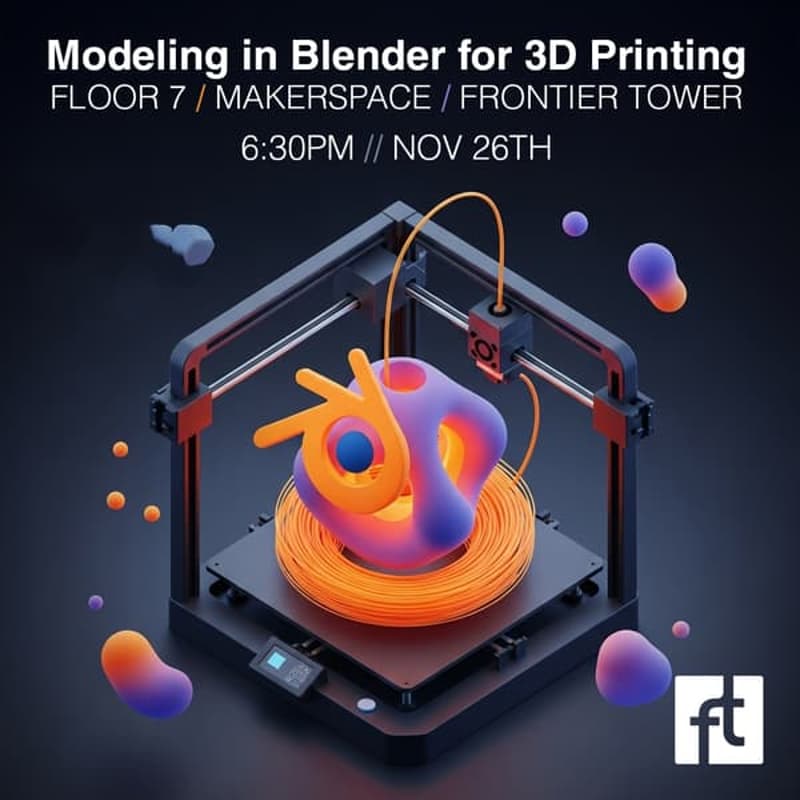

Modeling in Blender for 3D printing @ Floor 7 Makerspace
Hosted at the Floor 7 Frontier Tower Makerspace
Blender isn’t usually the first software people think of for 3D printing—but it should be. Behind its animation, sculpting, and VFX reputation lies one of the most powerful, flexible, and underrated modeling tools for creating precise, high-quality, print-ready designs.
This free hands-on class at the Makerspace will show you how to turn Blender into a practical 3D modeling platform for rapid prototyping, creative exploration, and manufacturing small objects like keychains, miniatures, functional parts, and more.
Whether you're a maker, designer, engineer, hobbyist, or just curious, you’ll walk away with a repeatable workflow for creating beautiful, clean, printable models.
🎉 Special for This Class: Limited NFT Drop (POAP)
Everyone who attends will receive a limited-edition digital collectible — a POAP (Proof of Attendance Protocol) token featuring the class mascot Blenderbloom FT-7.
This POAP serves as a digital badge proving you were part of the very first Frontier Tower 3D Printing Workshop.
Only in-room attendees will be able to mint it.
What You’ll Learn
1. Non-Destructive Workflows
Understand the design philosophy of using modifiers to build complex shapes without damaging your base mesh. Learn how to stay flexible, iterate faster, and experiment freely.
2. Essential Add-Ons for 3D Printing
A curated list of add-ons that make Blender significantly easier to use for print prep. Includes BlenderKit and other tools for cleaning geometry, precision modeling, and mesh validation.
3. Download, Hack, and Remix Models
Learn how to quickly source free models, edit them, and turn anything into a custom keychain or functional print. A perfect intro to kitbashing and rapid prototyping.
4. Fix Your Models for Clean Printing
Mesh cleanup, manifold checks, boolean repairs, normals, holes, thickness — all the essentials to ensure your designs survive the slicer and print successfully.
Who This Class Is For
This is not a total-beginner class, but you don’t need to be a Blender expert either.
If you’ve used any 3D design tool (or even a 2D tool like Photoshop/Illustrator), you’ll be able to follow along comfortably.
What to Bring
Any laptop (does not need to be high-performance)
Latest version of Blender installed
BlenderKit pre-installed: https://www.blenderkit.com/
A mouse — strongly recommended for your sanity
Where
Frontier Tower / Makerspace
(Open workshop environment with tools, printers, and support)
This event is hosted at the Frontier Tower:
We are transforming a 16-floor tower in San Francisco into a self-governed vertical village—a hub for frontier technologies and creative arts. Tier-one labs presenting AI, Ethereum, biotech, neuroscience, longevity, robotics, human flourishing, and arts & music. These floors will house innovators and creators pushing the boundaries of human potential in a post-AI-singularity world.
Apply here for founding citizenship: https://frontiertower.io/apply
Why should I become a citizen?
Be part of creating the first self-governed vertical village
Connect with the most creative people in the city
Get access to all floors, free event space & movement floor
Website: https://frontiertower.io/
Need more reading? Visit https://frontiertower.notion.site/