

Hardware Guild: Build Your Own Macro Pad
Absurd Industries, in collaboration with PCB Cupid, is hosting a hands-on digital manufacturing workshop series on building real hardware products.
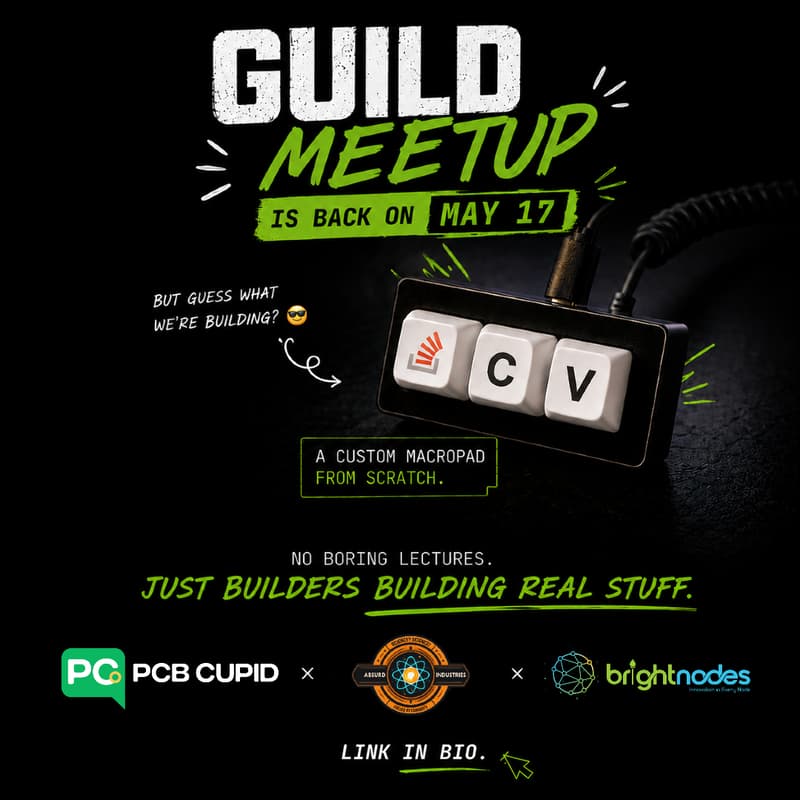
For this series, we’ll collaboratively design a 3-key macro pad a compact desk device that can trigger shortcuts, automations, and productivity workflows.
The goal is simple: teach people the practical skills needed to start building their own hardware projects.
People from the community will teach different steps involved in the process, including product thinking, component selection, electronics, PCB design, enclosure design, fabrication planning, assembly thinking, debugging, and documentation.
This is not a lecture-only meetup. It is a build-focused lab where we learn by making the actual design files, understanding the process, and assembling the final macro pad together. We’ll still teach the full design process, including the PCB, enclosure, manufacturing files, and assembly thinking, but the session will now end with a hands-on build of the actual device.
We want to equip the community with real hardware-building skills instead of becoming just another community where people only talk about ideas.
By the end, participants should understand how to take an idea and move it toward a working physical prototype.
What We’ll Design
A 3-key macro pad: a compact desk device that can trigger shortcuts, automations, and productivity workflows.
It may include:
Mechanical keys
A knob or rotary encoder
LEDs or simple visual feedback
USB-C
A custom enclosure
A microcontroller
Firmware for shortcuts/macros
The focus is on the hardware design and digital manufacturing process, not AI hype. We’ll walk through how the macro pad is designed and then assemble the actual device during the workshop.
What You’ll Learn
We’ll teach the software tools and design workflows used to make hardware products, including:
How to think through a hardware product
How to choose components
How to design the electronics
How to create PCB files
How to design an enclosure
How to prepare files for fabrication
How to think about assembly and debugging
How to document a project so others can build it too
The focus is on learning the full path from idea to buildable hardware.
Who This Is For
This is for:
Beginners who want to start building hardware
Software folks curious about physical products
Students, makers, and designers
People interested in PCB design, CAD, fabrication, soldering, and hardware prototyping
Anyone who has ideas but does not know how to turn them into a real device
No prior hardware experience required.
What To Bring
Bring:
Laptop
Soldering iron
Charger
Mouse, useful for CAD
Notebook or notes app
Curiosity and willingness to build
Optional:
KiCad installed
Fusion 360 installed
Arduino IDE / PlatformIO
Any hardware project you want feedback on
Format
This will be a practical hands-on workshop.
Each session will focus on one part of the build process. Community members will guide participants through the different stages of turning an idea into a physical product.
Expect:
Short explanations
Software walkthroughs
Hands-on design work
Group discussion
Design reviews
Debugging theory
Show-and-tell
Open documentation
Venue supported by Brightnodes, who are helping us with the space to host and run the workshop.