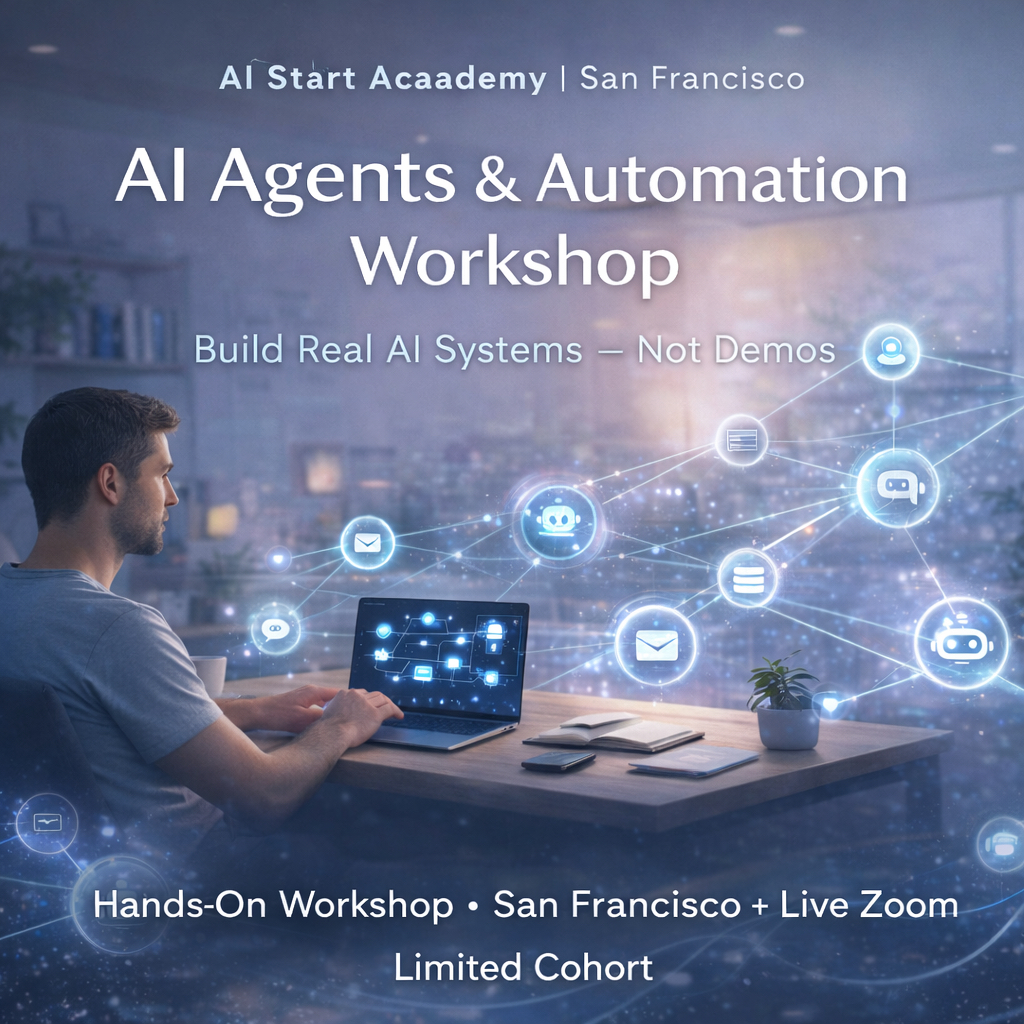

5-Day Hands-On AI Workshop: Automation, Cybersecurity & Digital Employees (In-Person SF & Online)
AI Operator Intensive for Non-Tech Founders, Business Leaders, Entrepreneurs and Professionals.
Tech stack: n8n, VAPI, ElevenLabs, Claude, OpenClaw, Metasploit, Burp Suite, CryEye
(Beginner-friendly)
5-Day Intensive · San Francisco Mission + Zoom · Mon–Fri, 9am–5pm
You are operating a company or you are working for a company? are you sure that your business is secure? Now AI is changing the rules faster than anyone can keep up.
This isn't a course about learning to code. It's about understanding AI well enough to make smarter decisions — what to build, what to buy, who to trust, and where the real risks are. In five days, you'll go from "I know I need to do something about AI" to having working tools deployed, real threats understood, and a clear strategy for using AI to scale without adding headcount.
Who This Is For Non-Tech Founders, Business Leaders, Entrepreneurs and Professionals Who Are
Using ChatGPT or Claude but not sure if you're getting real value from it
Delegating AI decisions to your team without fully understanding the stakes
Worried about cybersecurity but don't know where your actual vulnerabilities are
Ready to stop spectating and start building
This is a beginner-friendly program. You don't need to write code, but you should be comfortable with technology as a user.
What You'll Walk Away With
By Friday afternoon, you'll have:
A secure AI assistant (OpenClaw) running on your own machine — not a company's server, not a shared SaaS account
A Claude Code blueprint — how to vibe-code your complete internal platform yourself, no developer required
A voice agent (ElevenLabs + Twilio) that can schedule appointments and handle inbound calls for your business
A custom automation workflow (n8n) built hands-on, not just explained
A live digital employee — an AI video agent deployable on your website or sales process
A clear picture of where your company is currently exposed to AI-driven attacks
Frameworks for evaluating AI vendors, tools, and hires
The Week
Day 1 — Your Personal AI Command Center Led by Pavel Spesivtsev, serial AI founder & CTO (GapTrap.ai, Fibonacci 7, Cellery.ai)
Why 88% of companies adopt AI but only 6% get real results — and what the 6% do differently. You'll understand how these models actually work (no fluff), why they fail, and how to set up a private, secure AI assistant (OpenClaw) that connects to your real data. You'll attack your own system to test its defenses — and fix what breaks.
You leave with: a working secure AI assistant, security validation checklist, architecture decision matrix, and personal AI ROI worksheet.
Day 2 — Vibe Code Your Internal Platform with Claude Code Led by Bogdan Red, 15+ years in cybersecurity, Fortune 500 red team operator
Claude Code is Anthropic's agentic coding tool that lets you build real software through conversation — no traditional development environment required. In this session, you'll learn how to use Claude Code to design, build, and iterate on your own internal tools: dashboards, automations, admin panels, and workflows. You describe what you need; Claude Code writes, runs, and debugs the code. This is how founders are now shipping internal platforms in days instead of months — without hiring a developer. Bogdan brings a security-first lens: you'll learn to build fast without building blind spots.
You leave with: a working internal tool prototype built entirely by you, and a repeatable framework for continuing to build with Claude Code after the workshop.
Day 3 — Protect Your Business: Defensive + Offensive Cybersecurity Led by Bogdan Red
This is a full-day compressed version of both cybersecurity modules — defensive strategies in the morning, offensive thinking in the afternoon.
Morning — How to Protect Your Company in the Age of AI
Your competitors, vendors, and employees are all using AI. So are the people trying to breach your company. Learn what data leaks actually look like, how breaches happen at companies like Instagram, TikTok, and the FBI, and how to use AI to monitor and protect your business — before something goes wrong. Covers cloud vulnerabilities (AWS, GCP, Azure), dark web data sales, and building AI-powered breach response playbooks.
Afternoon — Think Like a Hacker So You Can Defend Like One
You don't need to run penetration tests yourself. But you do need to understand how attackers think so you can ask the right questions of your security team — or know when you don't have one. Covers the 8-step penetration testing framework, OSINT, social engineering simulations, and a hands-on pentest lab using real tools. Includes a walkthrough of the CryEye enterprise security platform.
You leave with: a breach response playbook, a prioritized list of your company's real vulnerabilities, and the ability to have an intelligent conversation with any security professional.
Day 4 — Your First Automation Employee: n8n + Voice Agents (ElevenLabs) + Twilio Led by Kheir Lazaref, Founder & CEO @ AI Automation Agency
The business case for automation isn't "efficiency" — it's leverage. By end of day, you'll have a working AI system trained on your company's own documentation, connected to voice, calendar, and email. No developer needed.
Morning — n8n Fundamentals + RAG
Build a fully functional RAG-powered AI trained on your company's documentation — inside a no-code workflow platform. Connect it to live web search (Tavily API) and set up the foundation for voice integration via VAPI.
Afternoon — Building Your JARVIS: Voice Agents + Twilio
Deploy a voice agent using ElevenLabs and connect it via Twilio to a real phone number — so it can receive calls, schedule appointments, and respond to customers automatically. Layer on Gmail and Google Calendar integration, a LinkedIn content generation sub-workflow, and a multi-agent JARVIS setup that runs your communications on autopilot.
Evening: Vipassana Group Meditation
You leave with: a live voice agent on a real phone number, an automated content workflow, and a production-ready n8n automation stack.
Day 5 — Deploy Your Digital Employee Led by Max Sapo, Mariana Tataryn & Nora Salim — Happyverse.ai
An AI video agent that can handle sales conversations, screen inbound leads, answer FAQs, or run onboarding — 24/7, in your brand voice. You'll design it, write its system prompt, structure its knowledge base, deploy it, and test it live against real objections and edge cases. Most founders who see this immediately know exactly where to use it.
Mariana Tataryn brings enterprise governance and compliance expertise (Deloitte). Nora Salim brings commercial strategy from CBS, Warner Bros., and AI-driven sales leadership. You'll also cover security and governance for deployed agents — aligned with everything you learned in Days 1–3.
You leave not with a concept — but with a working, deployable digital employee.
What Past Participants Are Saying
https://drive.google.com/drive/folders/10YUyccupAUhMKC7eLCYCA9_GEyif9myD
What's Included
40 hours of hands-on instruction from practitioners, not academics
All tools, platforms, and pre-configured lab environments
Recordings of all sessions
Template libraries and code examples
On-demand demo access to the CryEye platform
60 days of post-workshop support and Q&A
Lifetime access to the private Skool community
Certificate of completion
Unlimited coffee, tea, and healthy snacks all week
Logistics
📍 San Francisco Mission District (5-min walk from 16th St BART) 🕘 Monday–Friday, 9am–5pm (2-hour lunch break daily) 💻 Bring a laptop with at least 16GB RAM
Scholarships: Two full scholarships per cohort. Email hello@aistartacademy.com with your story.
Refund policy: Full refund, no questions asked.
🔗 aistartacademy.com · 📲 @aistartacademy