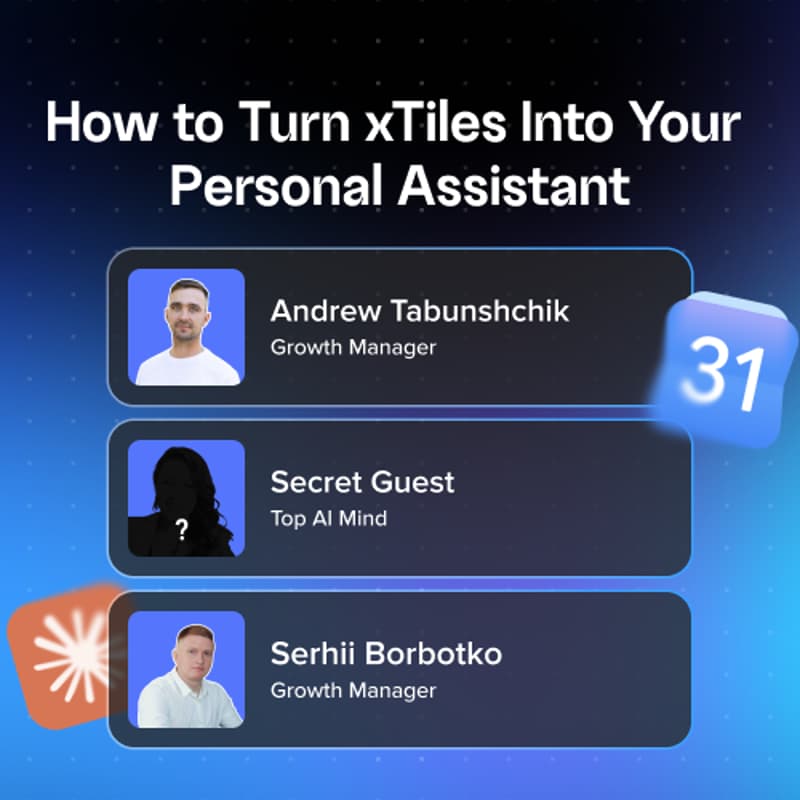

How to Turn xTiles Into Your Personal Assistant
Every morning you open email, Slack, your calendar, and a dozen tabs — and lose 30 minutes before you even know what to focus on today. In this session we'll show how to set up two automatic workflows in xTiles, powered by Claude (and ChatGPT), in about 10 minutes:
Daily Brief — one page every morning instead of ten tabs: tasks, calendar, news, emails that actually need action, context on important meetings, updates from Google Drive and Slack. Turn any of it into a task with one click.
Evening Reflection — a nightly wrap-up: what actually got done, new opportunities from email/Slack, and tomorrow's plan — already turned into tasks.
Who this is for: Founders, managers/team leads, and freelancers who are tired of manually triaging their own inbox and calendar every day.
Plus: we'll be joined live by a secret guest who's been living with this workflow for weeks — real experience, no script.
What we'll cover:
Live demo: Daily Brief, from a blank planner to one-click tasks
Live demo: Evening Reflection — plan vs. actual, no sugarcoating
Live setup: connecting Slack, Gmail/Outlook, Calendar, Google Drive, Granola
A real user's experience — live, unscripted
How to get this set up for you personally, if you'd rather skip the DIY part
Free to attend. Live Q&A included.