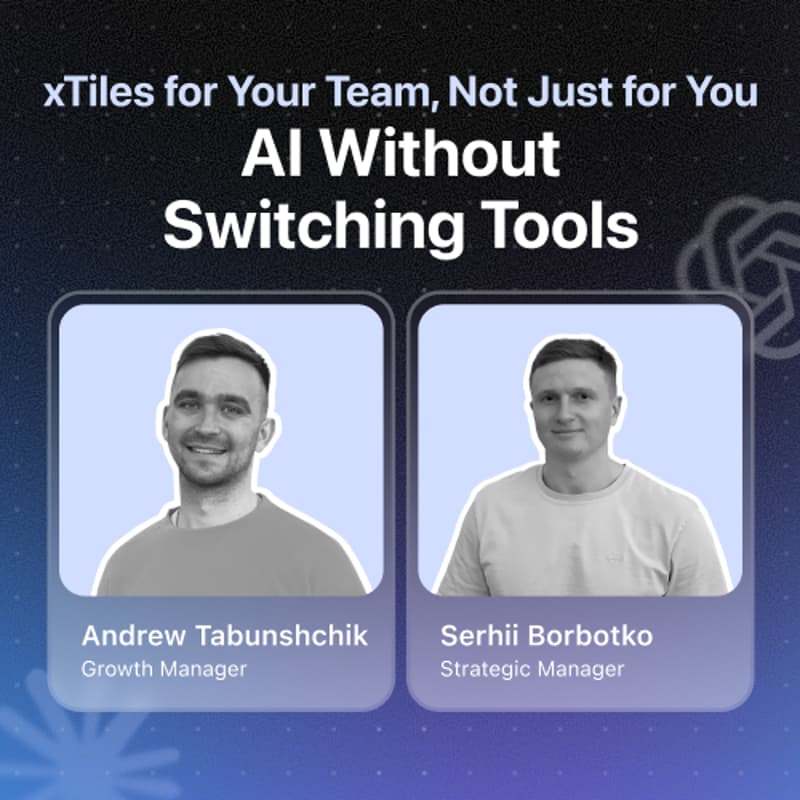

xTiles for Your Team, Not Just for You: AI Without Switching Tools
Most people use xTiles the same way they use AI: solo. My notes, my plan, my prompts. This session is about the next step — making it work for a team.
Serhii and Andrew from xTiles open up how the two of them actually run work together: one shared source of context, goals that stay connected from month to day, and handoffs that don't need re-explaining — with AI acting on that shared picture, not just answering one-off questions.
One thing this session is not: a pitch to rip out your team's tools and start over. Your stack stays where it is — Slack, docs, tracker, calendar. xTiles sits on top as the shared layer where context, goals, and plans come together, and where AI can actually act on them.
Near-zero transition cost: you add one place, you don't migrate everything.
What we'll cover:
Shared context: a project your team and your AI work from — alongside your existing tools
Connected goals: monthly → weekly → daily plans that stay linked, drafted with AI
Handoffs without the re-explaining — passing work between people with full context
Quick hits: chat-to-project, tile-level instructions, memory between sessions
Live Q&A
Who this is for: Anyone who works with at least one other person and wants a real, working AI-for-teams setup they can add without a migration project.