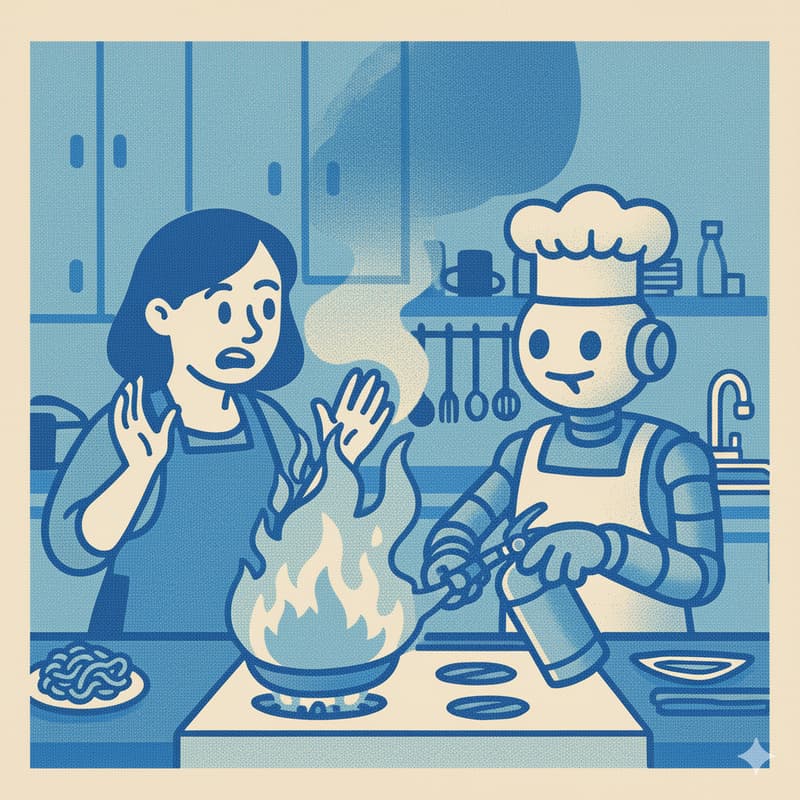

Curious Kitchen – Part 2 "Cooking with Fire"
🔥 Session 2: Cooking with Fire
Taking your raw working app and building a beautiful, functional interface with Cursor
📍 What You'll Do in This Session
In this workshop, we will take our raw working app and start to add UI components using Cursor. We'll work through:
Designing UI elements – Planning the interface components we need
Integrating into your codebase – Building and connecting components to your app
Refining and iterating – Giving your app a structure, look, and feel that matches your vision
By the end, you'll have a fully functional, beautifully designed meal planning app interface that you can actually use.
🌟 Why Build This?
One of the best ways to learn about AI is to experience it firsthand, by building an app using an AI-powered developer tool and creating AI features you can actually use day-to-day with friends and family.
This hands-on approach gives you insights into how to think about AI, design AI features, and understand AI's real capabilities—something you can't get from just reading about it.
❓ Did You Miss Workshop One?
No worries! If you couldn't make Session 1: Mise en Place, we've got you covered. I'll provide you with starting code to iterate from, so you'll jump right in at the same point as everyone else. You'll still get the full hands-on experience of building the interface.
👥 Who This Is For
This course assumes some knowledge of using Cursor. If you've attended one of my prior workshops on Cursor, you'll have all the knowledge you need to get the most out of this. However, it assumes you're non-technical with no programming background.
When you register, please flag your experience level and I'll contact you with resources to help you prepare and make the most of the session.
🍽️ Understanding the Series
This is Session 2 of our three-course series. We're using the metaphor of a kitchen because building with AI can be systemised very much like cooking—you prepare your ingredients, cook, and then add the finishing touches.
The Full Menu
Session 1: Mise en Place – Set up your ingredients. We establish all the data going into your app and organise it in a way that's accessible to Cursor. Think sauces, stocks, chopping—your foundation.
Session 2: Cooking with Fire (this one) – Time to plate up. We build out your user interface so you can browse recipes, plan meals, and interact with your data beautifully.
Session 3: AI Magic – The finishing touches. We implement AI features—including recipe import from photos and an AI agent—that make your app feel intelligent.
🎯 What You'll Walk Away With
A working recipe app with a polished, functional UI
Hands-on experience building interfaces with an AI coding agent
Real understanding of how to iterate and refine with Cursor
An app you can actually use and share with friends and family
Confidence to keep experimenting and building
✅ What You'll Need
Cursor – Our AI-powered code editor
🏔️ Want the Full Experience In-Person?
You can experience all three workshops in one 6-hour full day at our in-person event on 23 November. It's an immersive way to go from zero to a fully functional AI-powered recipe app.
Register for the in-person workshop →
👨🏫 Your Instructor
Joshua Crowley – AI educator at Jagged Peaks, Cursor Ambassador, and organiser of Sydney Cursor meetups.
❓ Questions?
📧 [email protected] | 🐦 @ojschwa
Ready to learn AI by cooking with AI? 🍳