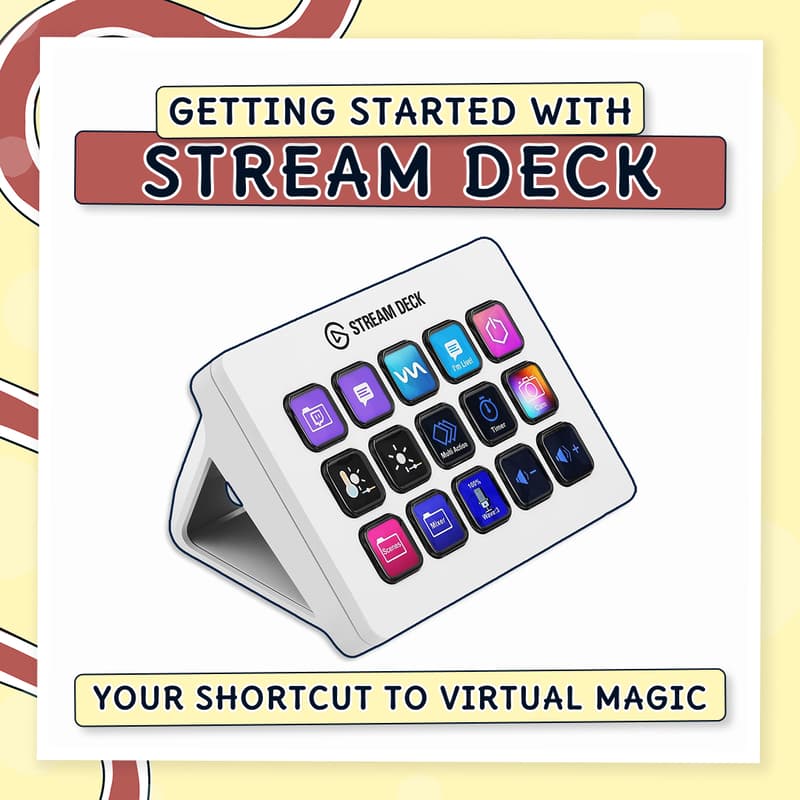

Getting Started with Stream Deck
You're mid-session, digging through menus for the right window while your audience waits. One missed cue and the energy drops. A Stream Deck can run your whole session with a single button press, but only if it's set up right, and most people never get past the default layout.
🎯 What You'll Walk Away With
✔️ A Stream Deck set up from scratch on Mac or Windows
✔️ Custom buttons with icons, colors, and labels that actually make sense to you
✔️ Actions organized into folders and multi-action sequences
✔️ Plugins connected to the apps you already use, like Zoom, OBS, and Spotify
👥 Who This Is For
Facilitators, trainers, coaches, and educators who run virtual sessions and are tired of technical hiccups breaking their momentum. If you've ever fumbled for a shortcut mid-session while people watched, this is for you.
🚀 Level & Prerequisites
This is beginner-friendly. No tech experience needed. You don't even need the physical Stream Deck to join, the free mobile app works too, so you can try it before buying hardware. If you do plan to follow along with OBS Studio, download and install it beforehand so we can go straight into hands-on practice.
🙋🏽♂️ About Me
Most online sessions don't fail because of the content.
They fail when your session starts feeling like just another Zoom meeting.
I'm Said Saddouk, the Facilitainer - a facilitator and a tech geek who knows how to hold a room and make the tech work for it.
I work with trainers, facilitators, and coaches who are ready to deliver better experiences and stop being a tiny face in the corner.
You'll get there through 1:1 coaching, hands-on training, and live session production - with tools like OBS Studio, Stream Deck, and Miro.
Better sessions. Less "Can you see my screen?"
🤝 Let's Connect
Ready to level up your sessions?
🚀 Book a 20 Minute Discovery Call
Stay in the loop:
📬 Subscribe to Facilitainment Weekly
🫂 Connect with me on LinkedIn
🎬 Subscribe to my YouTube
📸 Follow me on Instagram
🌐 Explore my website