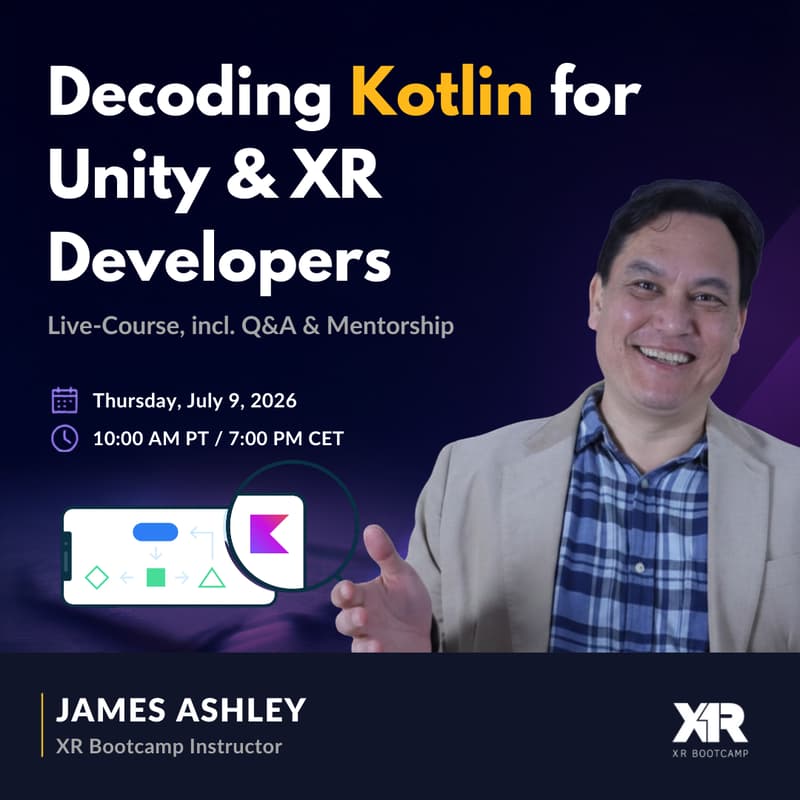

Decoding Kotlin for Unity Developers - Overnight
Get up to speed on Kotlin and Native in under an hour!
Excited about the new glass announcements that require native languages (Swift/Kotlin), but not sure where to start as a Unity, C# or XR developer? We got you covered!
With Kotlin now becoming a fundamental language for spatial computing, expanding fast across Android XR, Meta, XREAL, Pico and beyond, there has never been a better time to bridge the gap from Unity/XR to native Android development. We're not starting from zero — we're translating what you already know. Overnight.
From the creators of the popular “Decoding Swift for Unity Devs” course, here is another course covering Kotlin from the perspective of XR and Unity devs.
Is this course for you?
You're a Unity/C# or XR developer excited about Android XR, Meta Ray-Ban glasses, or the broader spatial computing wave
You want to understand how real Kotlin and Jetpack code works — not just copy-paste from an LLM or co-pilot
You have ~1 hour to get a side-by-side comparison of C# and Kotlin that actually respects your existing skills
You want to open Android Studio and make meaningful changes to real code right away
What is the outcome?
A fast, confident transition from Unity/C# to Kotlin — using what you already know as a bridge
Ability to read, navigate, and modify real Android Studio and Jetpack code
Side-by-side comparisons of C# and Kotlin: variables, functions, null safety, coroutines, and more
Clear mapping between Unity's MonoBehaviour lifecycle and Android's Activity lifecycle
Hands-on mini-project: build a simple "Reaction Timer" Android app with Jetpack Compose
A downloadable C# to Kotlin cheat sheet to keep handy as you code
Course Outline
Module 1 — Welcome Why Kotlin matters for Android XR right now
Module 2 — A quick tour of Android Studio vs. Unity Editor, and a preview of what we'll build.
Module 3 — Kotlin Syntax Through C# Eyes Variables, functions, classes, interfaces and extension functions — decoded side-by-side with their C# equivalents.
Module 4 — Null Safety & Kotlin's Type System No more NullReferenceException. Kotlin prevents it at compile time — here's how. Plus some control flow basics.
Module 5 — Coroutines vs. Unity Coroutines From IEnumerator/yield return to Kotlin's suspend functions and structured concurrency.
Module 6 — Android UI Architecture for Unity Devs Let’s survey Jetpack Compose, Android’s 2d UI language.
Module 7 — A Little bit of 3D Let’s see what Jetpack Compose can do for 3D.
Module 8 — Vibecoding Now that you know the basics, let’s set up an LLM and follow along.
Module 9 — Wrapup.
Prerequisites
Android Studio latest Canary build installed (free at https://developer.android.com/studio/preview)
Comfortable with C# and Unity basics
No prior Kotlin or Android experience needed
No Android device needed — emulator included with Android Studio
Why learn from James?
James Ashley spent years leading Unity and C# development teams for enterprise and retail clients before spearheading native platform transitions including Walmart's Apple Vision Pro app. He has first-hand experience with exactly the difficulties — and the joys — of getting C# developers productive in a new language ecosystem. His approach: find the direct analog between what you already know and what you're learning, so everything clicks faster than you'd expect.
Join our other sessions: