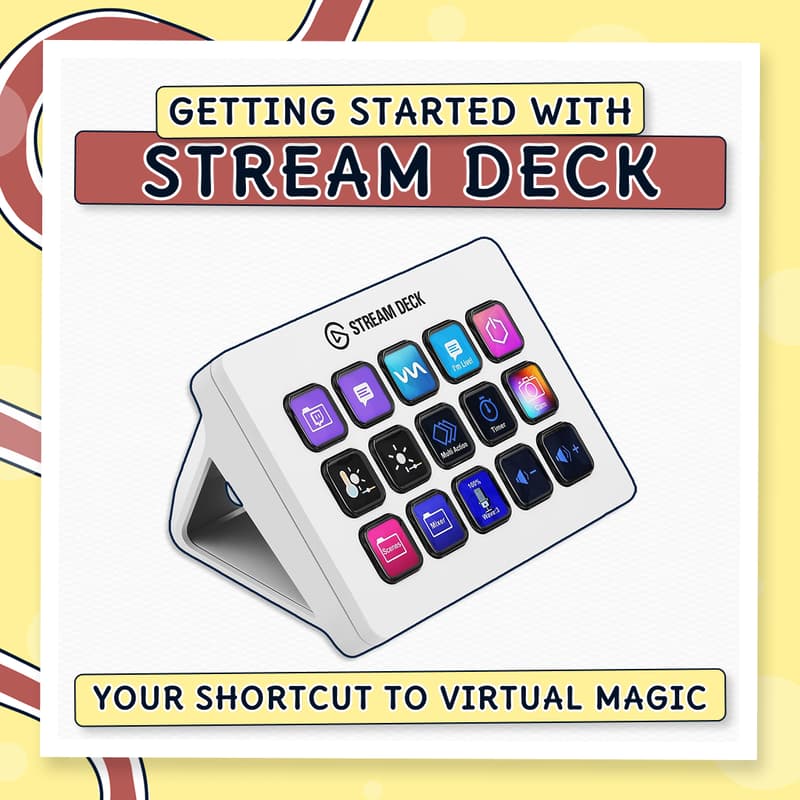

Getting Started with Stream Deck
Tired of juggling multiple apps, searching for shortcuts, or fumbling through menus?
Imagine controlling your entire workflow from a simple command center – launching apps, triggering shortcuts, switching tools, controlling media – all with a single button press.
This 90-minute beginner-friendly training will show you how to streamline your work using the Elgato Stream Deck – a tool that turns chaos into flow and makes complex tasks effortlessly simple.
No tech experience needed. Works with or without the physical device.
💡 What You'll Walk Away With
Set up your Stream Deck from scratch (Mac & Windows)
Create custom buttons with icons, colors, and labels that make sense to you
Organize actions into folders and multi-action sequences
Use plugins to control your favorite apps (Zoom, OBS, Spotify, and more)
Design a command center tailored to your exact workflow
Run smoother sessions with visual cues that keep you on track
👥 Who Should Join?
Perfect for facilitators, trainers, coaches, educators, and anyone running virtual sessions who wants to stop fumbling and start flowing. If you're tired of technical hiccups breaking your momentum, this is for you.
You don't need the physical Stream Deck - the free mobile app works too, so you can test it before investing in hardware.
🖥️ What You'll Need
PC or Mac
Latest version of OBS Studio (free at obsproject.com)
Webcam and microphone
Stable internet connection
Optional: Second monitor (helpful but not essential)
Please download & install OBS before the session so we can dive right into hands-on practice!
🙋♂️ Meet Your Trainer: Said, The Facilitainer
Hey, I'm Said - aka The Facilitainer - a blend of facilitator and entertainer.
I help trainers, coaches, and educators create virtual experiences that people actually want to attend using tools like OBS Studio, Stream Deck, Miro, and Zoom.
Whether you're a solopreneur or part of a team, I'll show you the methods and workflows that make virtual facilitation smooth, interactive, and fun.
📱 Stay Connected
Ready to take control of your virtual sessions? See you inside!